This is a simplified summary of the things that are the most important for your China trip.
Doing the following things before you depart for China will eliminate the majority of problems.
1. Apps 📲
Download these apps as a bare minimum:
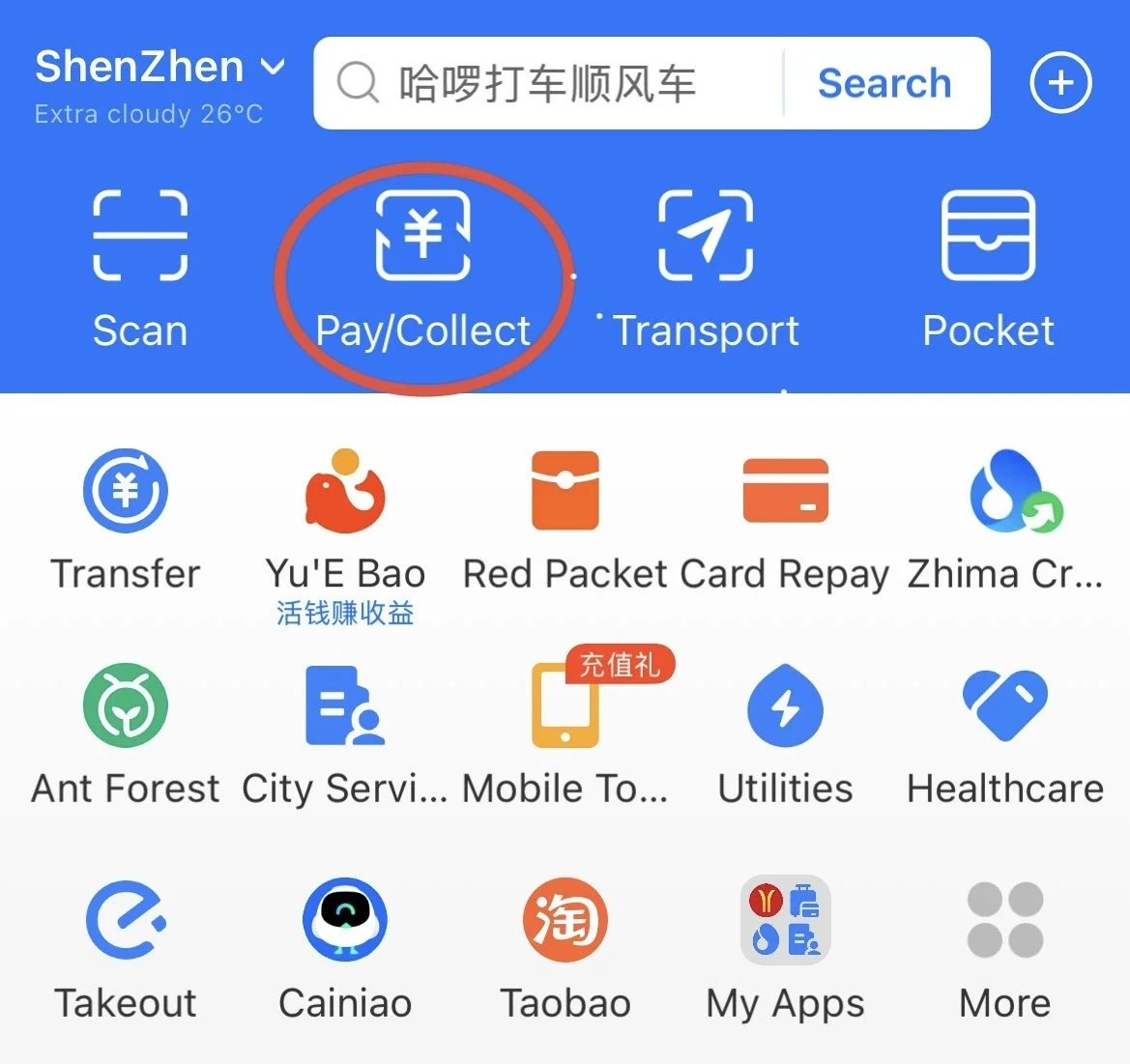
Alipay for payments, metro card, and mini-app functions (such as renting a shared bike or hailing a DiDi)
WeChat for payments (backup) and instant messaging
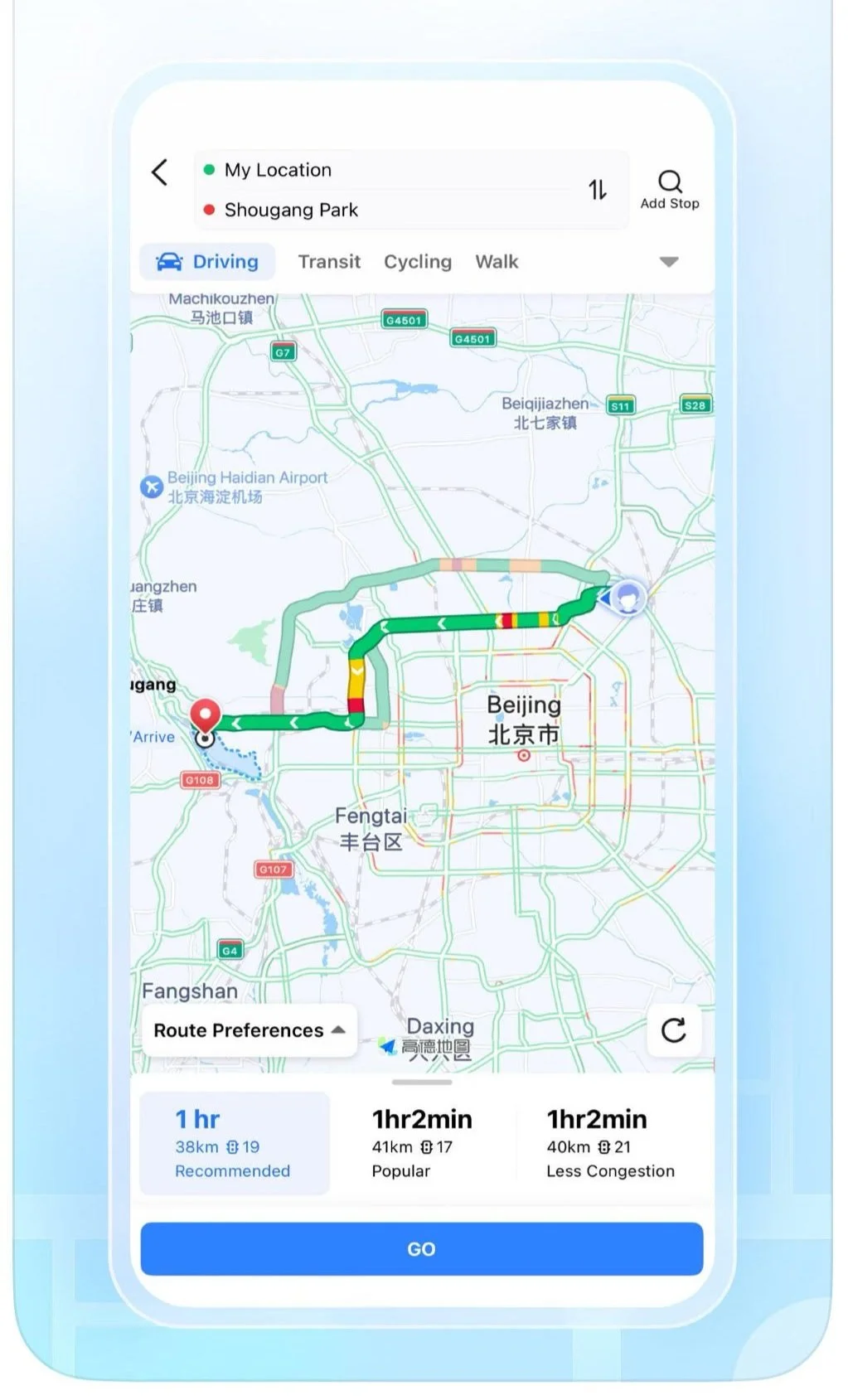
Amap for navigation
Trip for buying attraction tickets, train tickets, and any new hotel bookings
DiDi for hailing a taxi (like Uber/Grab)
Bonus: MetroMan for easy-to-navigate maps for the metro
👉 To take a taxi, see my guide How to Hail a DiDi Driver in China
👉 To take the metro, see my guide How to Ride the Metro in China: Ultimate Guide to Getting Around the City
👉 To take the train, see my guide Top Things To Know About Trains and High Speed Rail in China
👉 To order food in restaurants, see my guide How to Order Food and Drink in China? A Mini-Guide with Key Phrases
For a full breakdown, check out my article
What Apps Do You Really Need As A Tourist In China? Super-Apps and Mini-Programs Unpacked
2. Payments 💳
Alipay - I recommend this as your first option if this is your first time in China
WeChat - for backup in case Alipay stops working
Bind at least one credit card to each app before you depart for China. Many places do not accept credit cards directly.
You’ll need to pay using the QR code function on the app. See my article below for more details.
Make sure your bank account/credit card doesn’t have any restrictions on paying abroad.
If your bank needs notification of you travelling abroad, please notify them. Save your credit card’s contact number.
👉 To pay in shops or in apps, see my step by step instructions: How To Make Payments As A Tourist in China: A Beginner's Guide
👉 To save on unnecessary fees, check out my article How to Minimise Card Fees When Travelling In China
What about cash? Of course, you can still use it, but it won’t be as convenient. A lot of shops don’t have the exact change. App-only services don’t take cash.
By the way, check if you can get cheaper prices for your China trip by:
3. Internet Connection with access to all sites/apps while in China 🛜
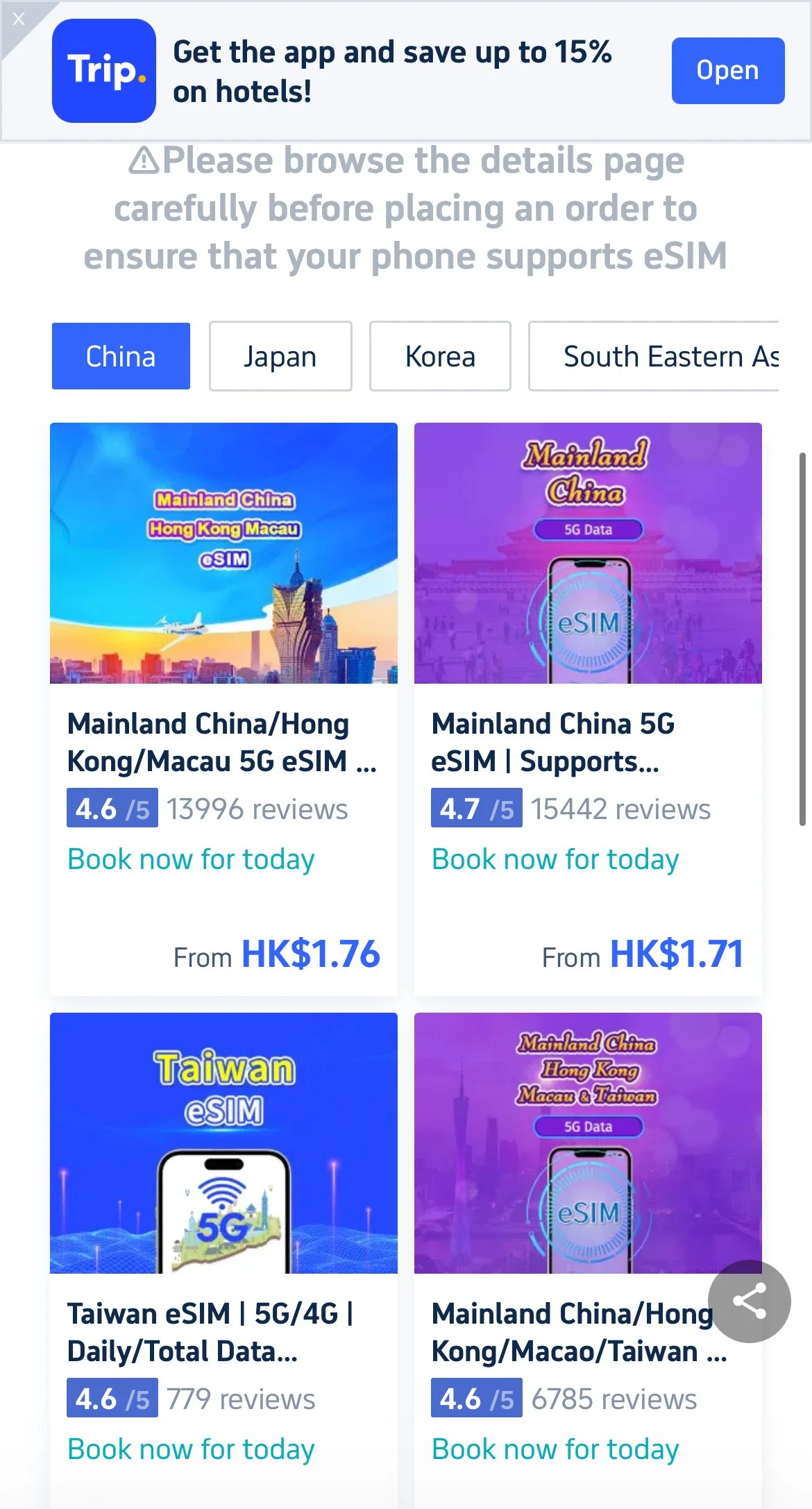
To access the internet unblocked everywhere, get a China eSIM (I used one of these)
OR a VPN with local Wi-Fi + local SIM card
Remember to check the eSIM description to make sure it allows you unblocked access.
To access the internet in a non-hotel public area with Wi-Fi (e.g. coffee shop), again get a local SIM card.
You’ll be okay in most hotels, as they should have a way for you to connect without a local number.
👉 For more details, check out my article Do I Need a Local SIM Card or VPN When Travelling in China?
4. Translating from Chinese to English 💬
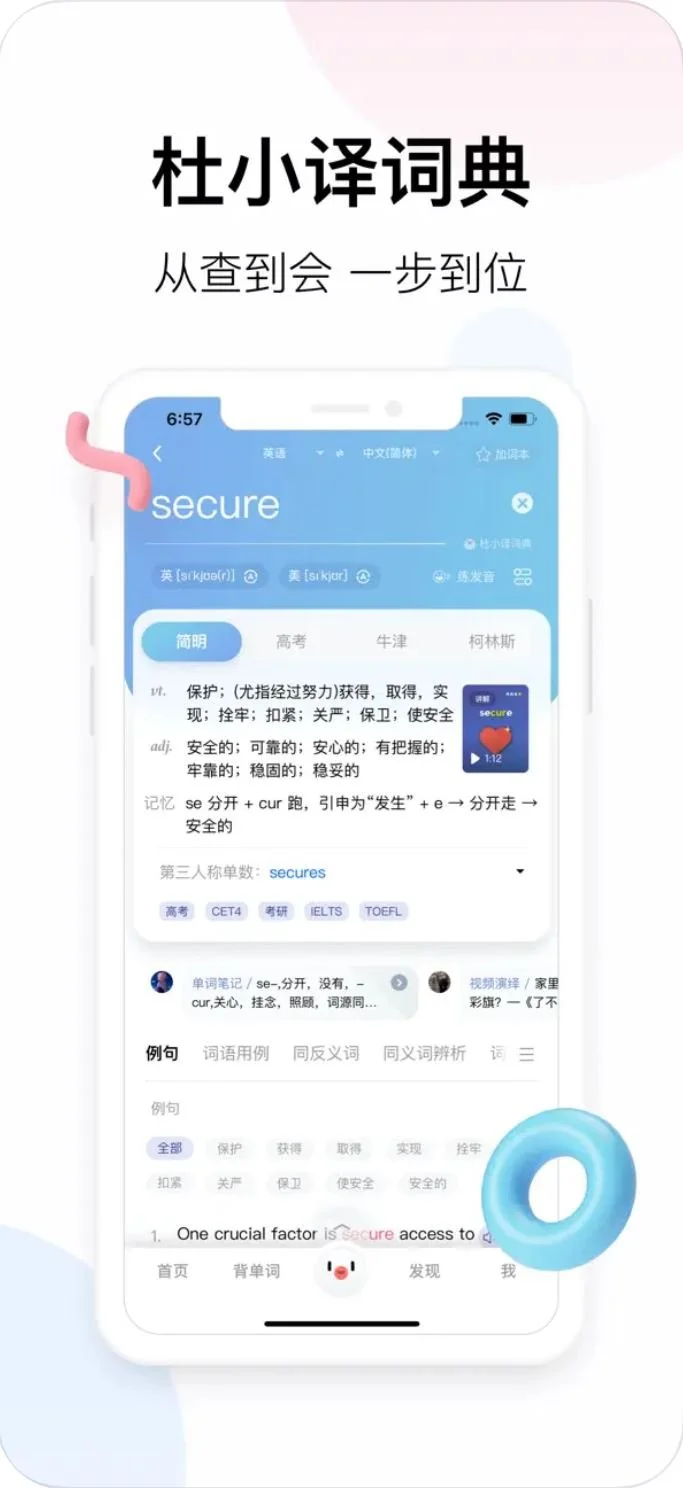
Download an app like Microsoft Translator, Baidu Translate, U Dictionary Translator, Pleco.
Alipay has an in-built translation button to translate anything within the app into English (or even another language).
WeChat also has an in-built QR scan function to translate anything you point your camera at.
For online menus, use screenshot function and upload screenshot to translate.
For anything offline (like physical menus, signage, store labels), use photo function for translating menus from Chinese to English.
To communicate with people, use the 2-way translation function.
Relevant articles by me👇🏻
Prepare
Alternative China Apps to Almost Everything - The Full Guide for Travel, Fun, Work
The Ultimate Tech Shopping List for Tourists Visiting China
Is China Expensive For Tourists? Full Breakdown For First Time Visitors
How Long Should I Spend In China On My First Trip? Example Itineraries from a Chinese Traveller
How To Plan Your Trip To China In 2026? What Apps To Use?
Best Time To Visit China Without Crowds - Public Holidays To Avoid In 2026
Do I Need To Know Chinese For My Trip to China? Or A Tour Guide? A Practical Take
How To
How to Buy Tickets to Attractions in China?
How to Order Food and Drink in China? A Mini-Guide with Key Phrases
Top Things To Know About Trains and High Speed Rail in China
Your First 24 Hours In China: The Ultimate Step By Step Guide For First Time Visitors